Internal Audit & Financial Analysis Automation

Deterministic audit.
Optional intelligence.

Audit Engine Pro executes standard-operating-procedure audit modules and variance analysis with a deterministic core — then lets an optional, local AI layer explain the work. The engine decides; the model narrates.
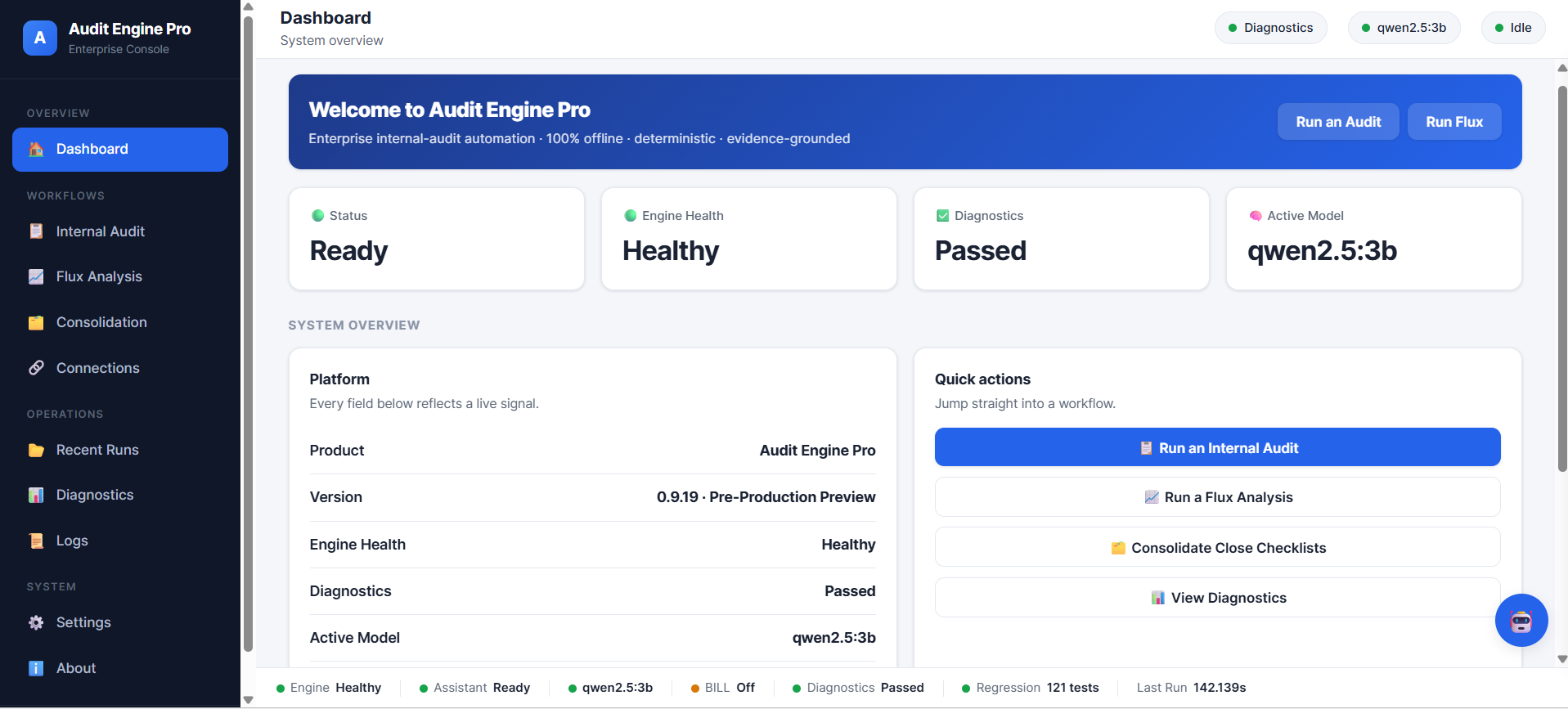
Audit Engine Pro dashboard showing engine health, diagnostics status, active local model, and quick actions for running an audit, flux analysis, or consolidation.

The core principle

The deterministic engine is the sole source of audit truth. AI only explains, guides, and improves usability — it never influences an audit conclusion.

Every number and every decision is produced by rules, calculations, scoring and validation. The same inputs always produce the same output — the foundation of a reproducible, defensible audit.

What it is

One offline platform for the judgment-heavy parts of the close review.

Audit Engine Pro brings together SOP-driven audit execution, understanding-first variance analysis, evidence workflows, and an operations console — designed to run locally, so financial data stays on the machine.

Deterministic core

Rules, not guesses

SOP audit modules apply their checks, score risk against a fixed matrix, and render an Approve / Needs Review / Reject decision — reproducibly.

Understanding-first

Reads real workbooks

The ingestion layer inspects each file, classifies its role, and asks a clarifying question only when the input is genuinely ambiguous.

Names, not IDs

Business identity resolved

When master data is available, output uses the real customer and vendor names rather than exposing internal identifiers.

Optional AI

Local, and assistive only

An optional local model polishes commentary and answers questions. It never sees the cloud and never decides an audit result.

Evidence

Workpaper-oriented output

Findings carry severity, confidence, the SOP basis, and the required action — and flow into a structured report.

Operable

A real console

Dashboard, diagnostics, logs, run history and settings — configured through a GUI, not by editing files.

14
SOP audit modules
141
Deterministic tests, all passing
100%
Offline — no cloud dependency
0
Raw IDs in resolved output

Figures reflect the current pre-production build (v0.9.19) and its automated test suite. See engineering.

The Audit Engine

From evidence to structured audit findings.

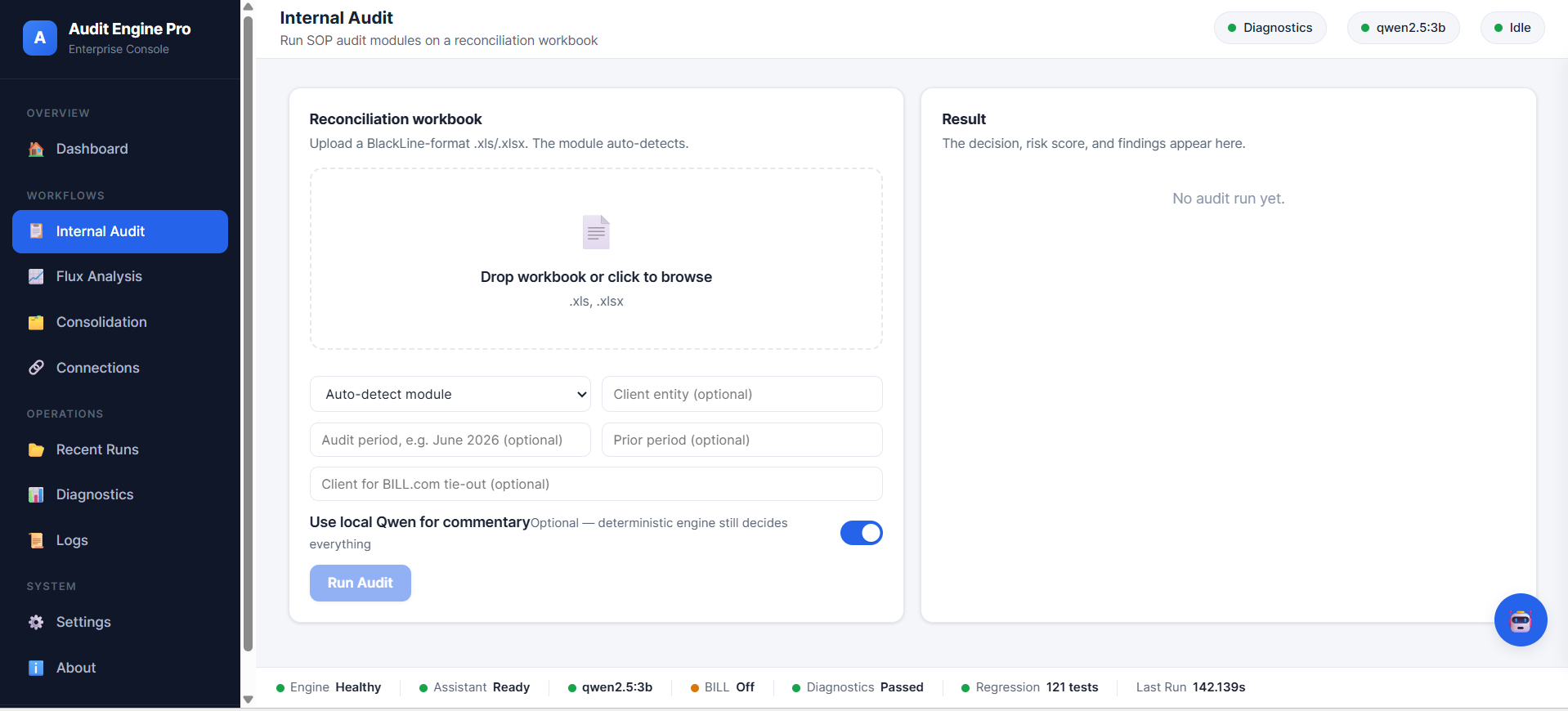
Upload a reconciliation workbook; the module auto-detects. The engine runs the SOP's checks, scores risk, and produces a decision with a full exception report — each finding written like a workpaper note.

Internal Audit screen: a dropzone to upload a reconciliation workbook, module auto-detect, optional entity and period fields, and a toggle to use the local model for commentary.

SOP-driven, reproducible

Each module encodes a standard operating procedure: what to check, what counts as an exception, and how to score it. Results are deterministic — the same workbook always yields the same decision.

InputUnderstandingDetectionRulesRisk / ScoringFindingsNarrativeReport
  • Rule-based findings with severity and confidence
  • Risk scored against a fixed matrix, not a model
  • Exception report with an explanation for every finding
  • Protected by regression and golden-output tests

Audit modules

Fixed AssetsIntangible AssetsPrepaid ExpensePrepaid / Amortizable ItemsAR ReconciliationContra ARContra APLease ReconciliationReserve for Doubtful DebtsAccrued PayrollBank ReconciliationCredit CardReconciliation CertificationGeneric Reconciliation

Flux Analysis

Variance analysis that reads the workbook as it really is.

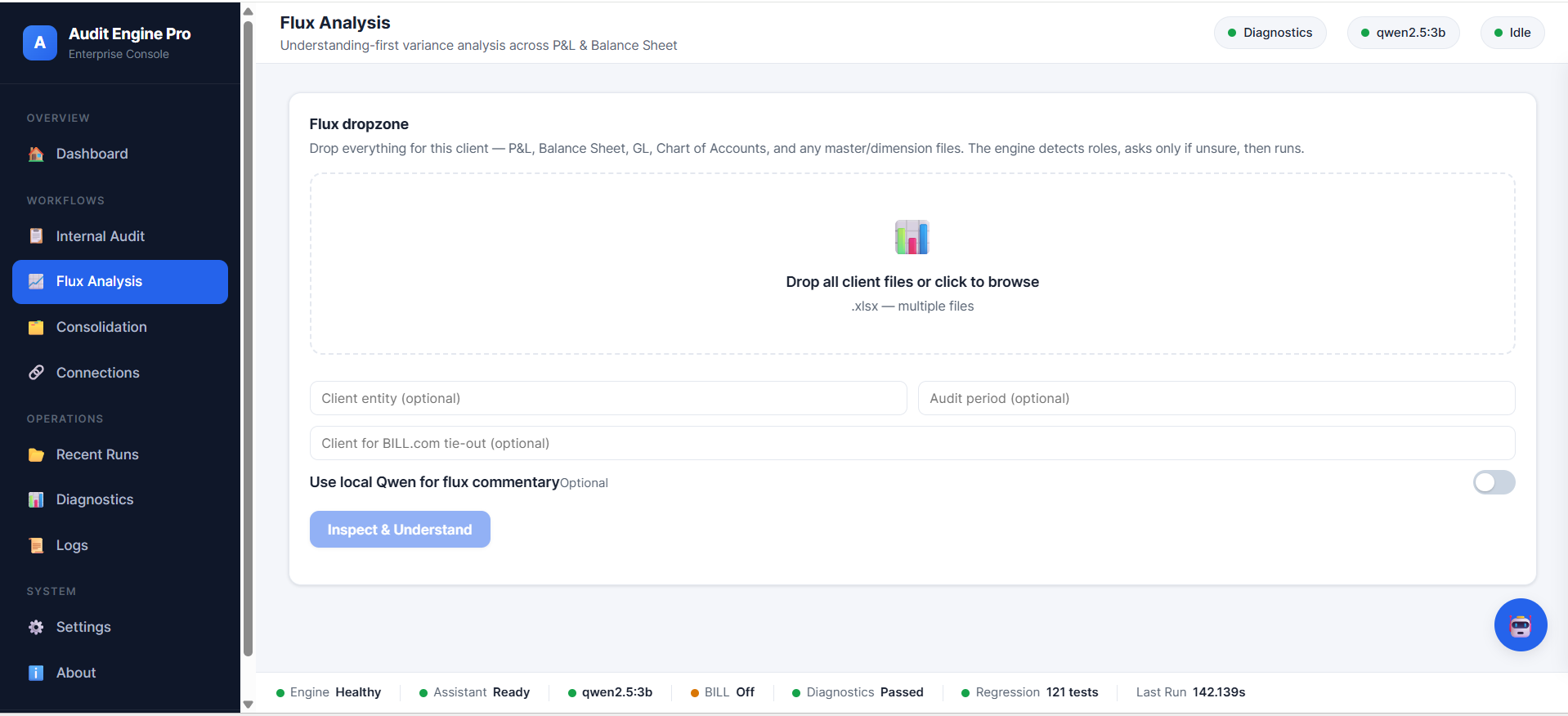
Flux works with real-world financial workbooks rather than assuming one rigid template. Drop the client's files — P&L, Balance Sheet, GL, Chart of Accounts, and master/dimension data — and the engine detects roles, asks only when unsure, then analyses across the full P&L and Balance Sheet.

Flux Analysis screen: a dropzone for all client files with optional entity, period, and BILL.com tie-out fields, and an optional local-model toggle.

Understanding-first, name-aware

When customer or vendor master information is present, the commentary names the actual business driving a movement rather than exposing a meaningless internal identifier.

DiscoverUnderstandClarifyConfirmAnalyzeReport
  • Identifies P&L, Balance Sheet, GL and dimension files
  • Handles mixed workbooks without a fixed template
  • Resolves business identities to real names
  • Produces an Excel workbook of commentary and trends

Adaptive Understanding & the Assistant

The system doesn't blindly guess when input is ambiguous.

Before analysis runs, the platform inspects and classifies each input, evaluates its own confidence, and — only where real ambiguity exists — asks a targeted question, validating the answer against what it actually detected.

Understanding layer

Inspect → classify → confirm

It reads structure, assigns roles, scores confidence, flags ambiguity, asks when necessary, and continues only once the ambiguity is resolved. This keeps the deterministic engine working on inputs it actually understands.

Audit Intelligence Assistant

Grounded, optional, local

An optional assistant helps users understand features, navigate workflows, explain findings and Flux, and interpret errors — answering from grounded product and run context. It is an assistance layer and does not replace the deterministic engine.

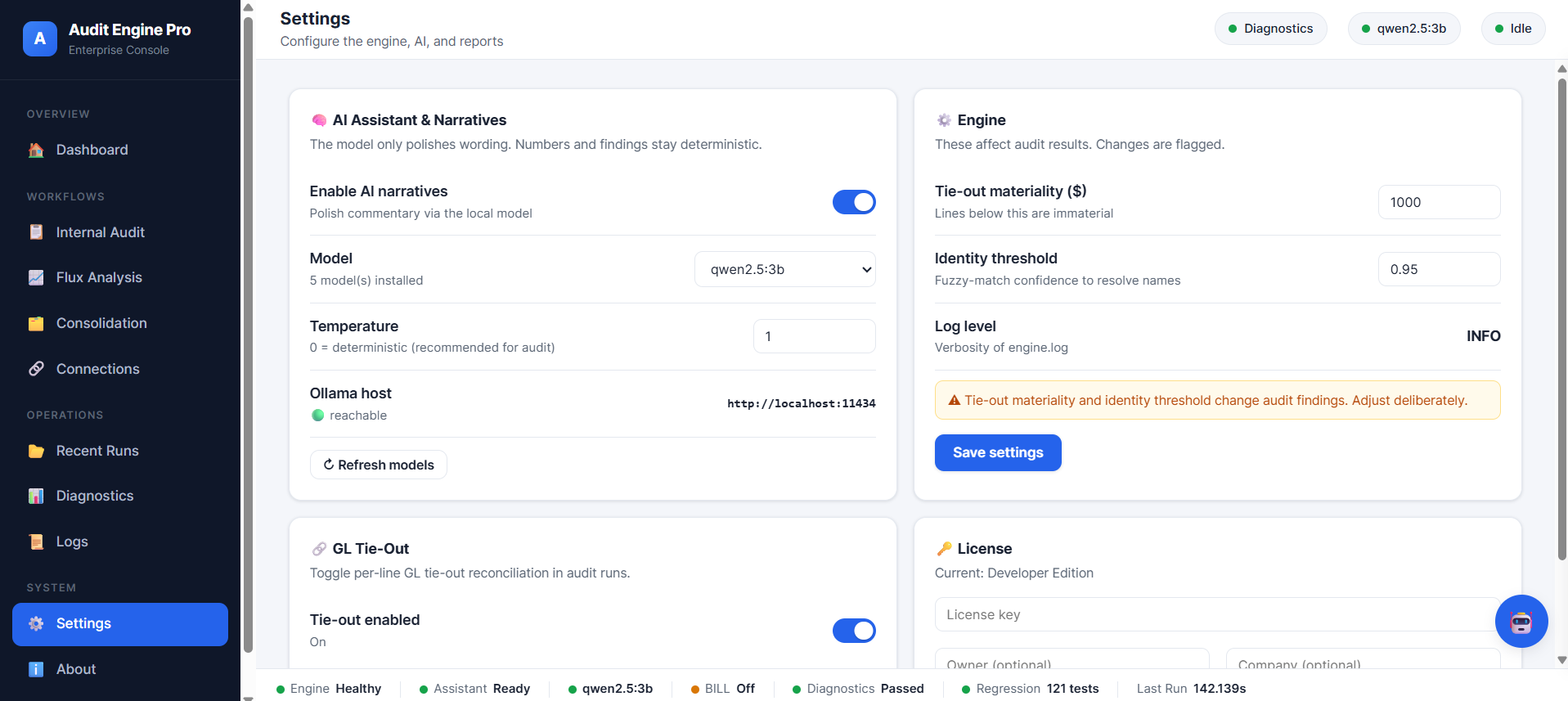
Settings screen: enable AI narratives toggle, local model selector showing installed models, temperature, a reachable local Ollama host, and engine settings for tie-out materiality and identity threshold.

Optional local AI

Choose a local model — or run without one

If a local model runtime is available, you can select an installed model in Settings and set its temperature. The model is used to polish wording; numbers and findings stay deterministic. Engine-affecting settings, like tie-out materiality and the identity threshold, are clearly flagged.

  • Local model selection through Settings
  • Deterministic temperature recommended for audit work
  • Works fully with AI narratives disabled
  • No cloud AI required

The Operations Console

A complete platform, not a collection of scripts.

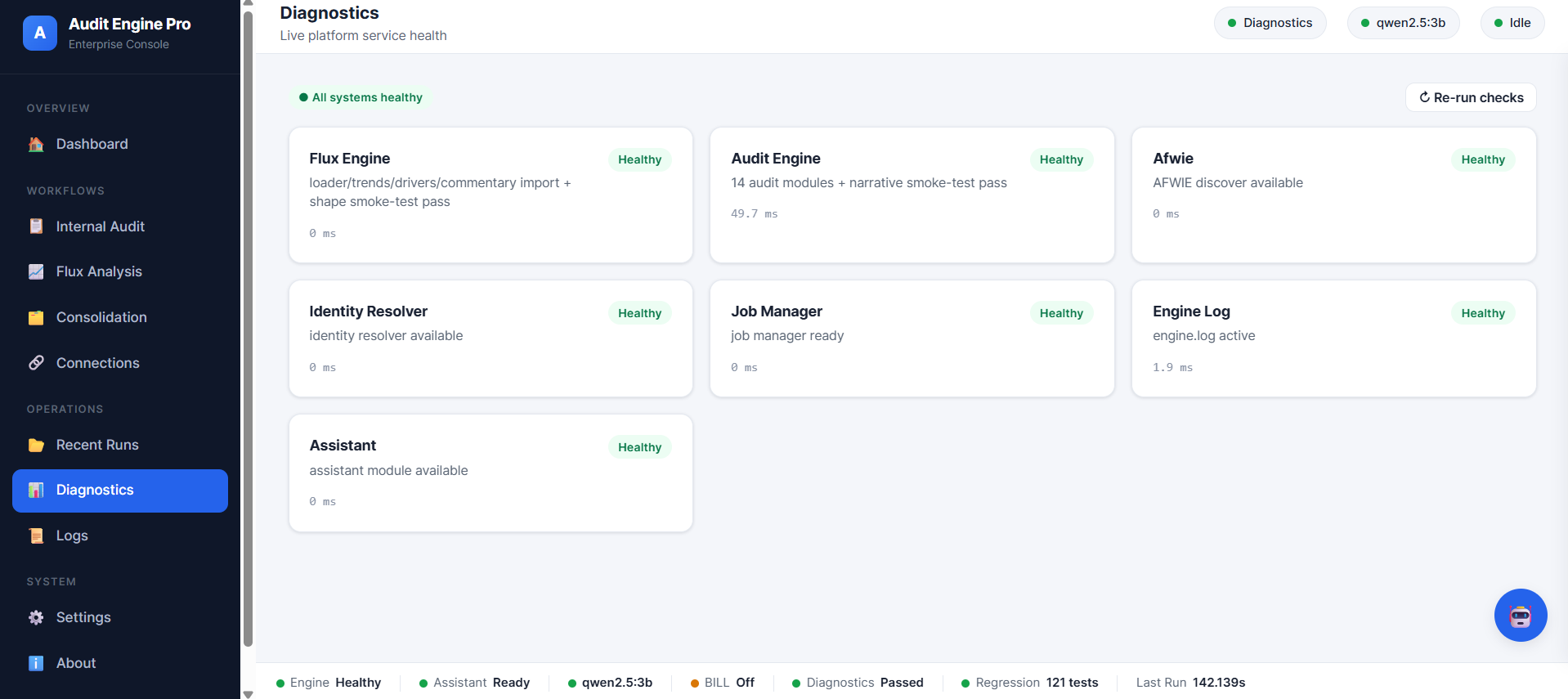
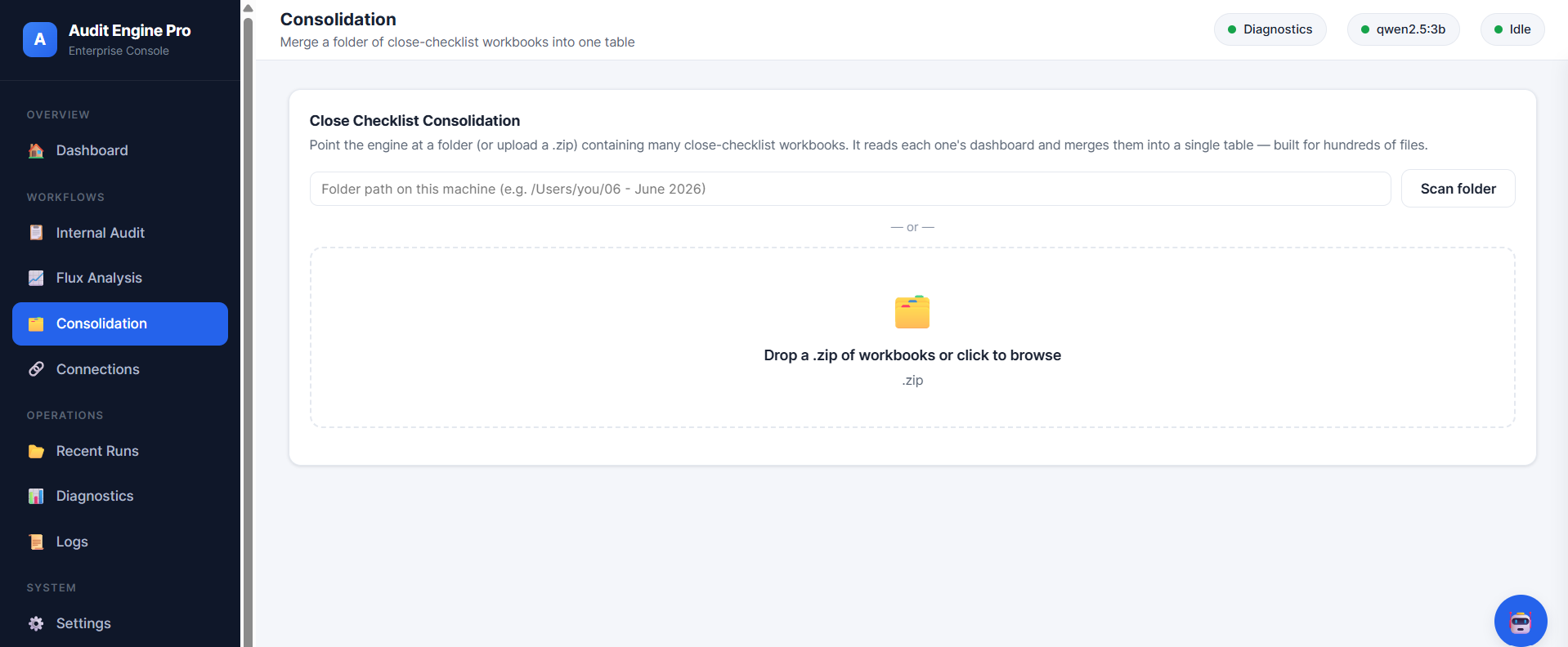
Dashboard, Internal Audit, Flux, Consolidation, Connections, Recent Runs, Diagnostics, Logs, Settings and About — with a persistent status bar showing engine health, the active model, and the current run.

Progress & observability

You can see what the engine is doing.

Live stage

Long-running operations expose the current stage as they work.

Progress & time

Determinate progress and elapsed time, with a clear completion state.

Warnings & errors

Problems surface as warnings and errors rather than failing silently.

engine.log

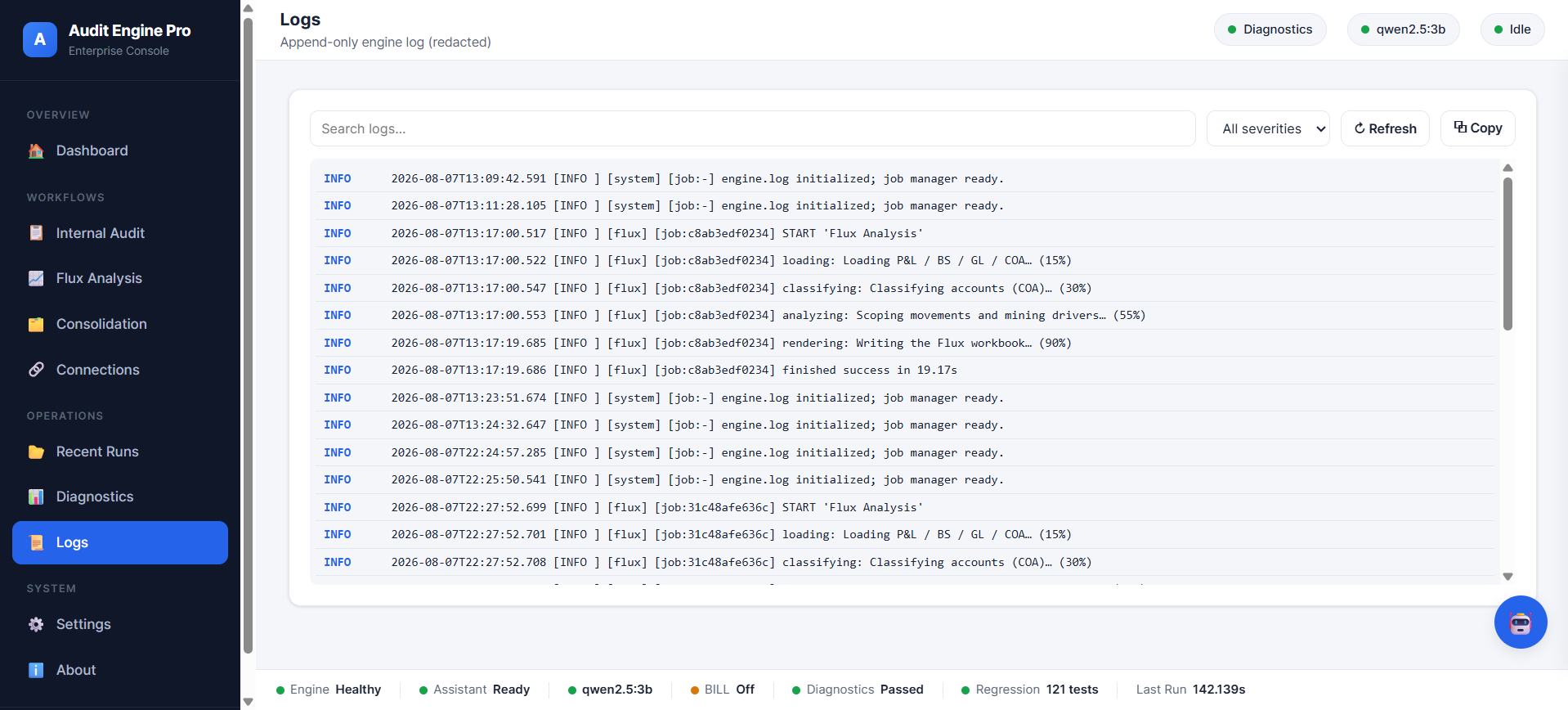
A high-level, redacted diagnostic log records what happened, per run.

Product architecture

Deterministic core. Assistance layer alongside.

A conceptual view of how work flows through the platform. The local AI assistant sits alongside the pipeline as an assistance layer — never as the source of audit truth.

Financial InputsReconciliation workbooks, P&L / BS / GL, master data
Understanding & IngestionInspect, classify, resolve identities, clarify if ambiguous
Deterministic Audit / Flux EnginesRules, calculations, exception detection
Validation + ScoringRisk matrix, confidence, tie-out
Narratives & ReportsWorkpaper-oriented findings and workbooks
Operations ConsoleDashboard, diagnostics, logs, runs, settings
Optional Local AI AssistantExplains & assists — not the source of audit truth

Engineering

Built for controlled financial workflows.

The properties below are structural, not marketing — they come from how the platform is built and tested.

Deterministic processing

Same inputs, same outputs. No randomness in the decision path.

SOP-driven rules

Each module encodes a documented standard operating procedure.

Validation & confidence

Findings carry confidence; ambiguity is handled explicitly, not hidden.

Regression & golden tests

141 automated tests pin fixed behaviour and per-module outputs so refactors can't quietly change results.

Structured logging

An append-only, redacted engine log with per-run diagnostics.

Reproducible workflows

Runs can be repeated to produce the same defensible result.

Connections & integrations

Only what's real — planned work is labelled.

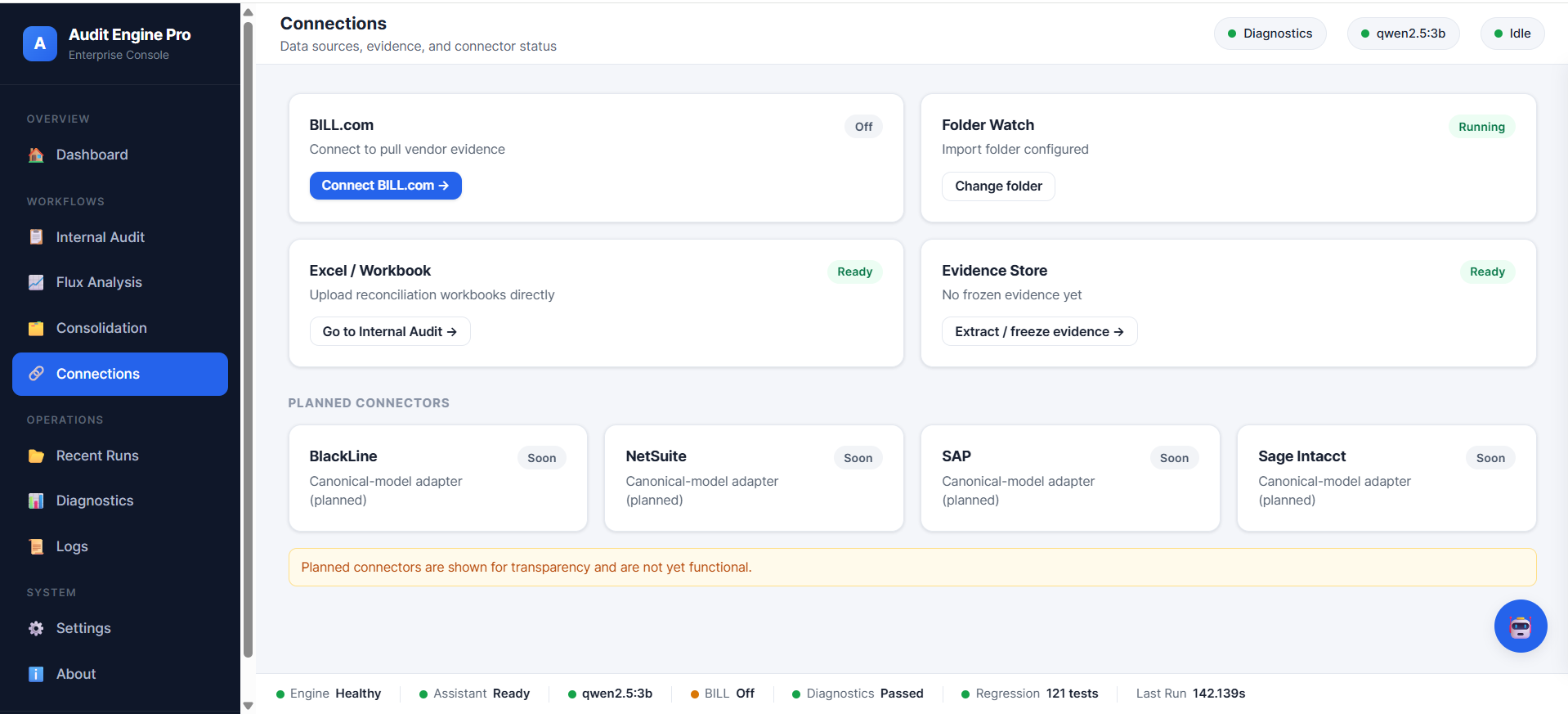
BILL.com evidence

Connect to pull vendor evidence for tie-out.

Available

Folder Watch

Point the engine at a local import folder.

Available

Excel / Workbook

Upload reconciliation workbooks directly.

Available

Evidence Store

Freeze an evidence snapshot for tie-out.

Available

BlackLine adapter

Canonical-model adapter.

Planned

NetSuite · SAP · Sage Intacct

Canonical-model ERP adapters.

Planned

Planned connectors are shown for transparency and are not yet functional.

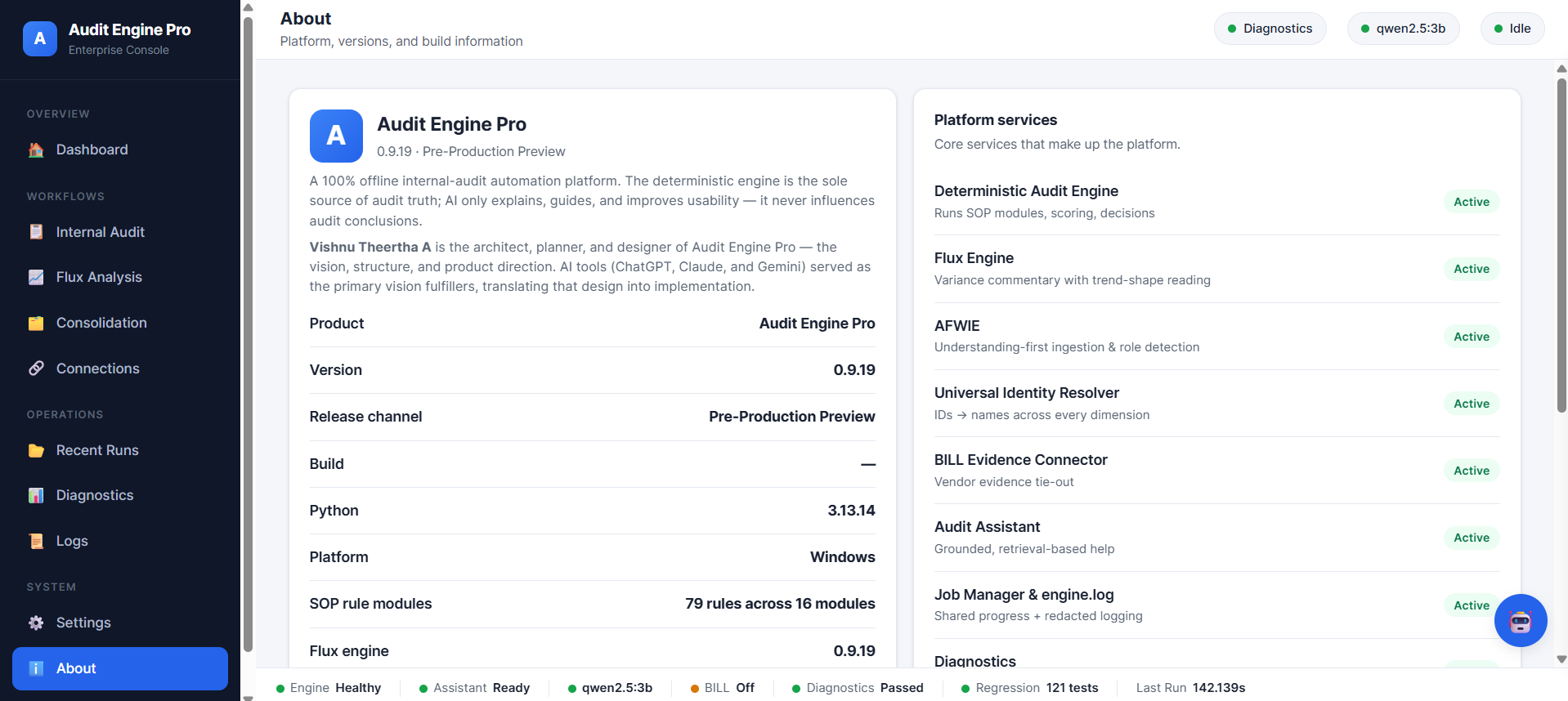
About screen: Audit Engine Pro version 0.9.19 Pre-Production Preview, with a list of active platform services.

About

Audit Engine Pro — v0.9.19, Pre-Production Preview

A 100% offline internal-audit automation platform. The deterministic engine is the sole source of audit truth; the optional AI layer only explains, guides and improves usability.

Vishnu Theertha A is the architect, planner and designer of Audit Engine Pro — the vision, structure and product direction. AI tools served as the primary vision fulfillers, translating that design into implementation.

Development status: pre-production preview, under active development.

Interested in Audit Engine Pro?

Let's talk.

For a walkthrough, a licensing conversation, a partnership, or an acquisition discussion, get in touch directly.

Contact: [ configure contact — see README ]